
Capture accepted submissions
CodeTrail detects accepted LeetCode results and keeps only the solved version, not the failed attempts.
CodeTrail watches for accepted LeetCode submissions, saves the final code, and updates your GitHub repo so your progress is organized, visible, and ready to share.
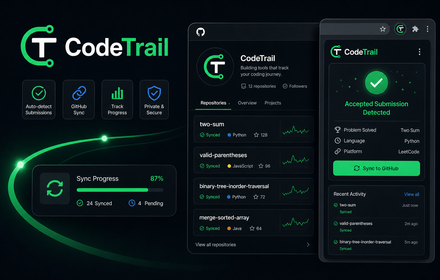
Product preview
The extension stays out of the way while you solve. When an answer is accepted, it takes over the repetitive work of storing and organizing that result.
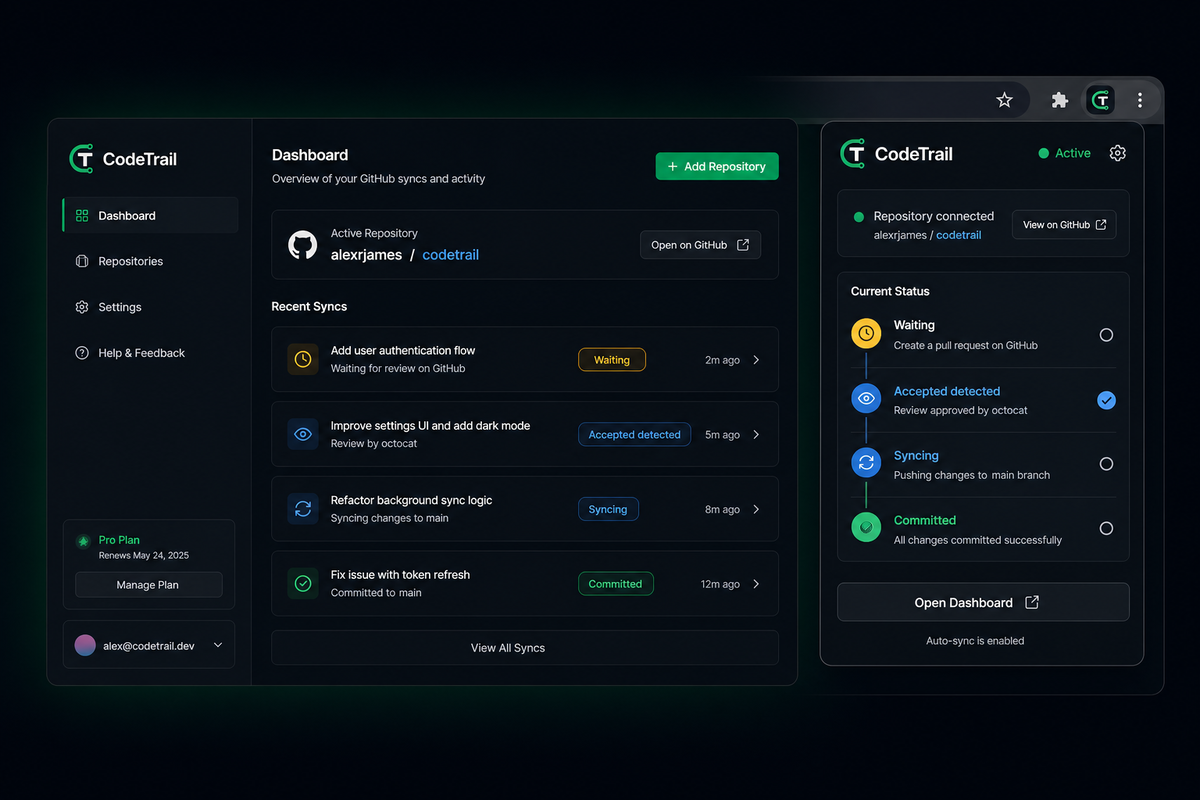
CodeTrail detects accepted LeetCode results and keeps only the solved version, not the failed attempts.
Each accepted solution is pushed to a repository you control, with problem-level organization and README updates.
Your GitHub repo becomes a structured portfolio of solved problems instead of a pile of loose files.
Workflow
Install it once, connect GitHub, and let the extension handle the handoff from accepted solution to repository.
Work normally on the problem page or submission page.
CodeTrail watches for the accepted result and captures the final submission.
The solution, problem note, and portfolio README are updated in GitHub.
Need help?
Questions about setup, GitHub connection, or sync behavior go to contact@sidhiratech.com.